

Profit & Loss (P&L)
The Profit & Loss (P&L) module is, in fact, the result of the other modules — revenue, direct costs, overheads, EBITDA and net profit, consolidated automatically from the same operational sources as the rest of the system. It can be computed on actuals, on forecast or combined, and for the forecast it also pulls the planning from Budgets.
What you can do
Section titled “What you can do”- Actual / Forecast / Combined — P&L on actuals, on forecast or both, with a forecast vs. actual comparison.
- Balanced with the trial balance — P&L expenses and revenue equal those in the trial balance; the P&L net profit = the trial-balance net profit.
- Work in progress — computed automatically as a monthly variation.
- In FX — calculation in foreign currency (currency + central-bank rate), with a warning when the rate is missing.
- Charts — monthly evolution (revenue / expenses / result), expense structure, actual vs. forecast.
Where the amounts come from
Section titled “Where the amounts come from”P&L does not enter its own data — every amount comes from another module. On actuals from realized documents, on forecast from plans:
Expenses and balancing with the trial balance
Section titled “Expenses and balancing with the trial balance”All expenses in the P&L come from the production accounting journal, which is balanced with the trial balance — i.e. the amounts are equal. In the end, the complementary financial information (pulled from the trial balance) must equal the revenue and expenses in the trial balance. This way, the net profit in the trial balance equals the net profit in the P&L.
If the figures match (P&L = trial balance), the P&L is correct “by construction”.
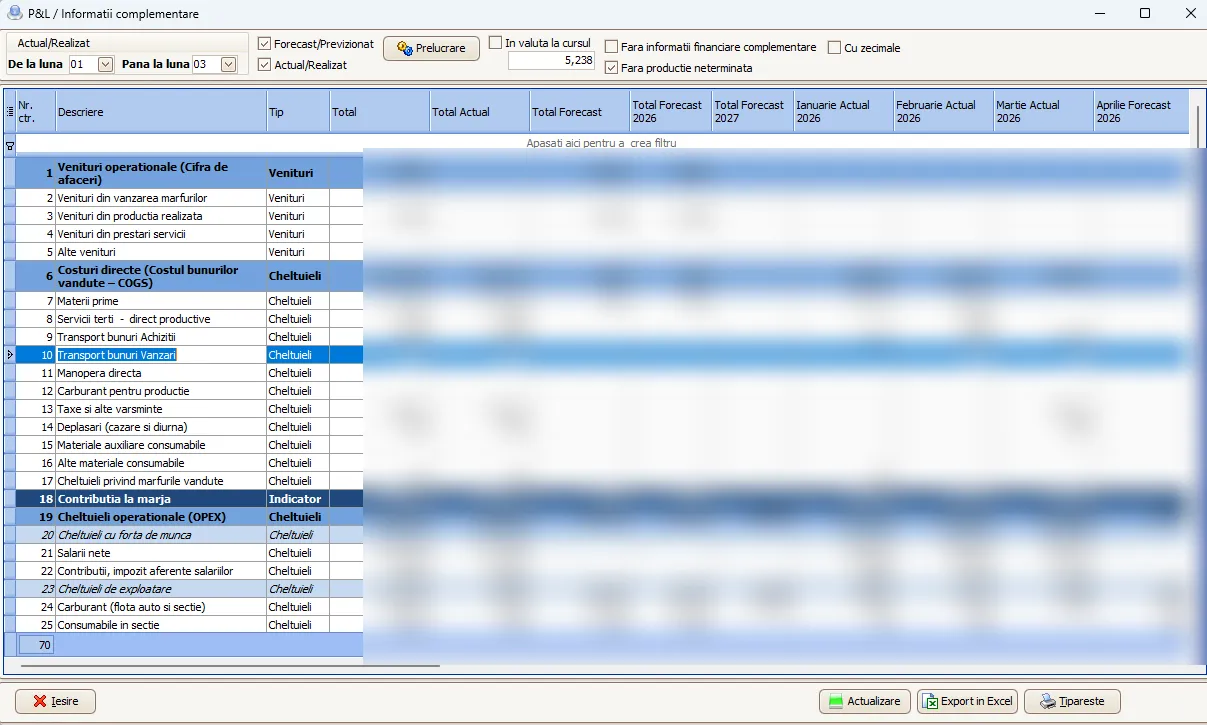
Work in progress
Section titled “Work in progress”Work in progress is computed month by month as the variation within the month — i.e. the difference between the opening and closing balance of the month. For the whole period, it is the difference between the opening balance of the period and the closing balance of the period.
Forecast and calculation modes
Section titled “Forecast and calculation modes”For the forecast, the sources are:
- Pipeline — probable estimated revenue and expenses.
- Request for quotation (RFQ) — same as pipeline.
- Customer orders — depending on the date it will be invoiced, revenue is recognized in the forecast P&L, while the expenses come from the direct-cost budget, also on forecast.
- Planned budget — the plans (OPEX and planned expenses).
P&L can be generated on forecast only, combined or actuals only, with a comparison between what was planned (forecast) and the actual period (realized).
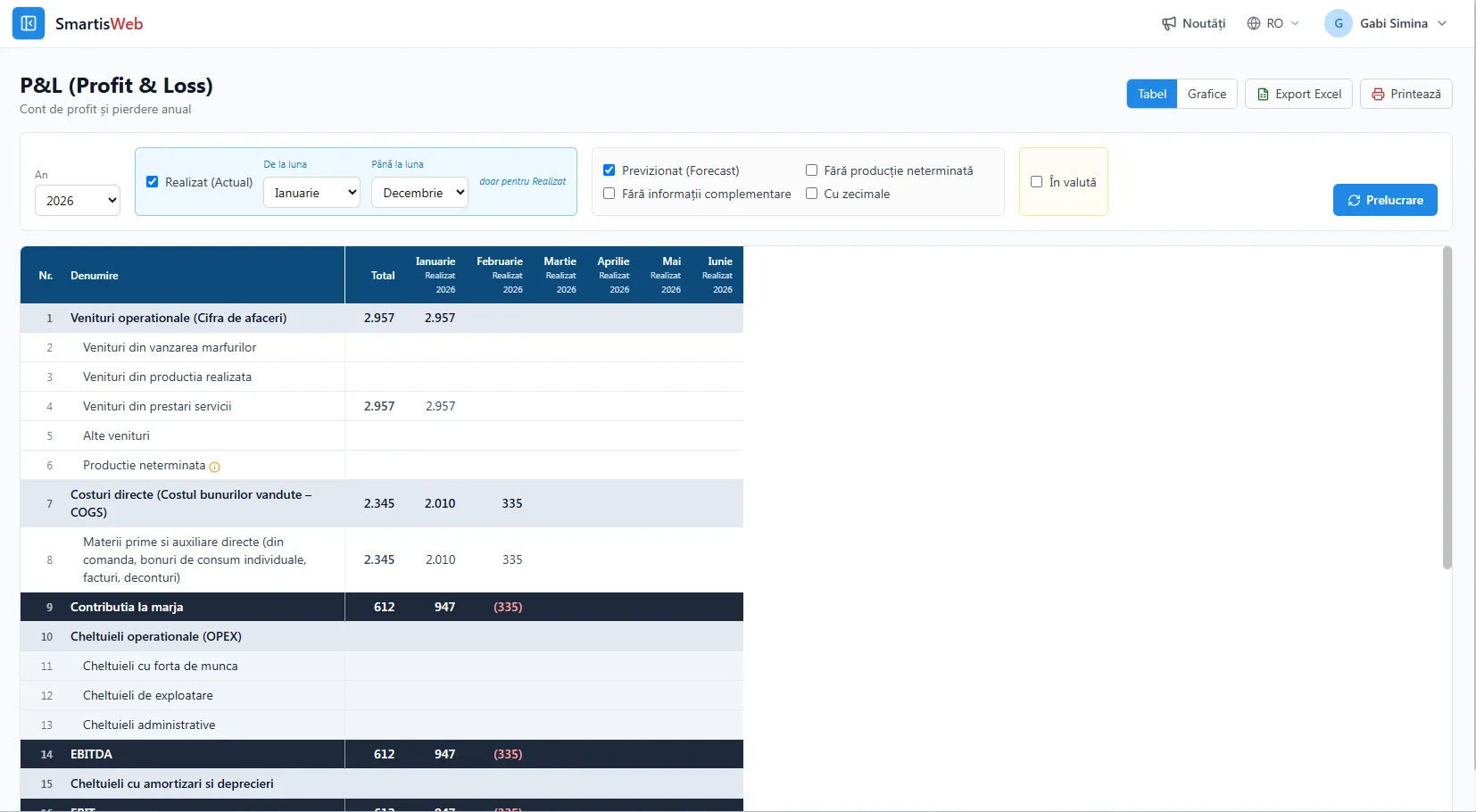
Charts
Section titled “Charts”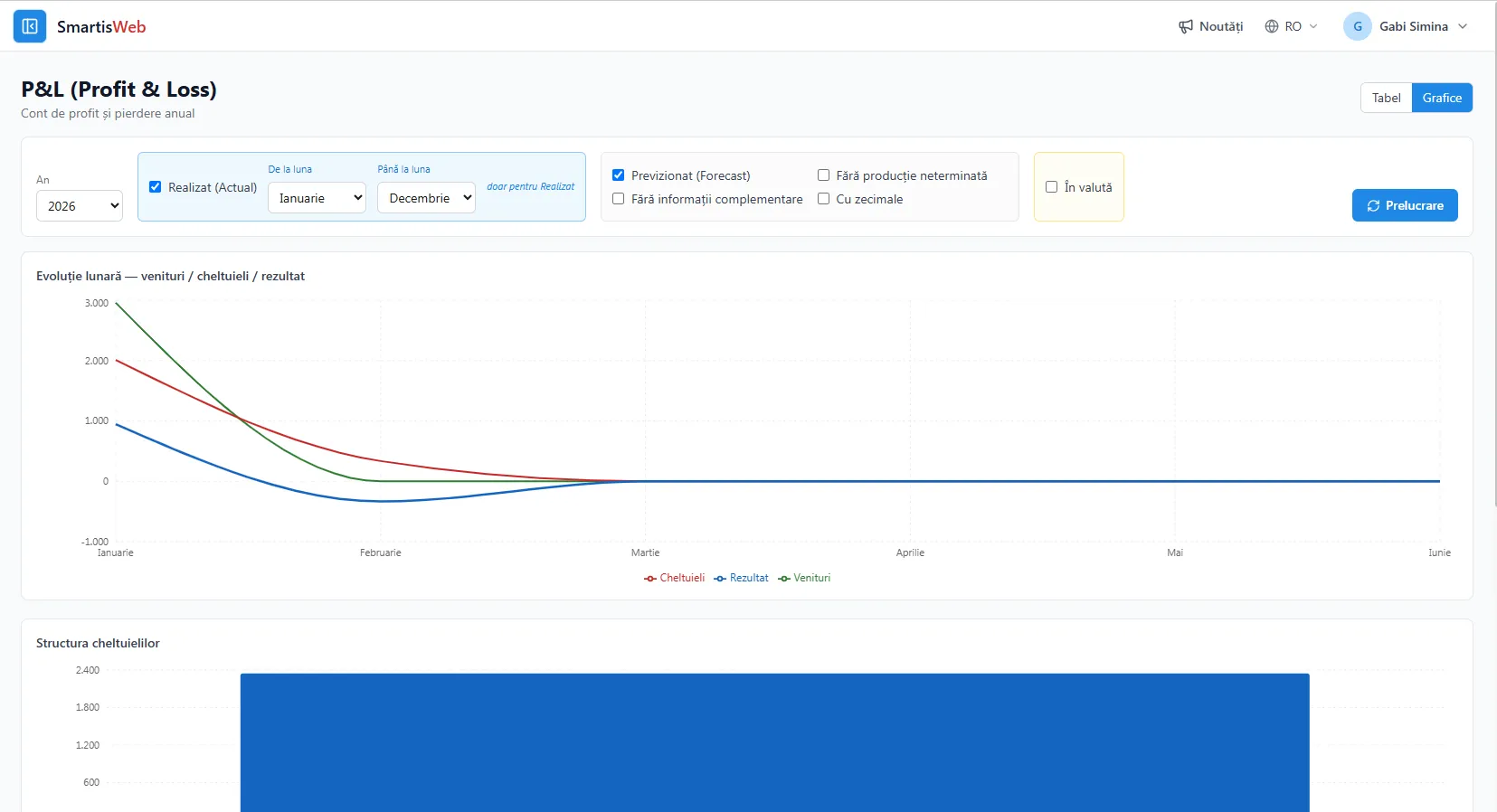
Benefits
Section titled “Benefits”- P&L not just as an accounting report, but as an interactive tool for management analysis.
- Correct “by construction”, reconciled with the trial balance (P&L net profit = trial-balance net profit).
- Spotting profitable areas and underperforming ones.
- A direct comparison between planned (forecast) and realized (actual).
See the video tutorials or contact us for help.